Smart Scan
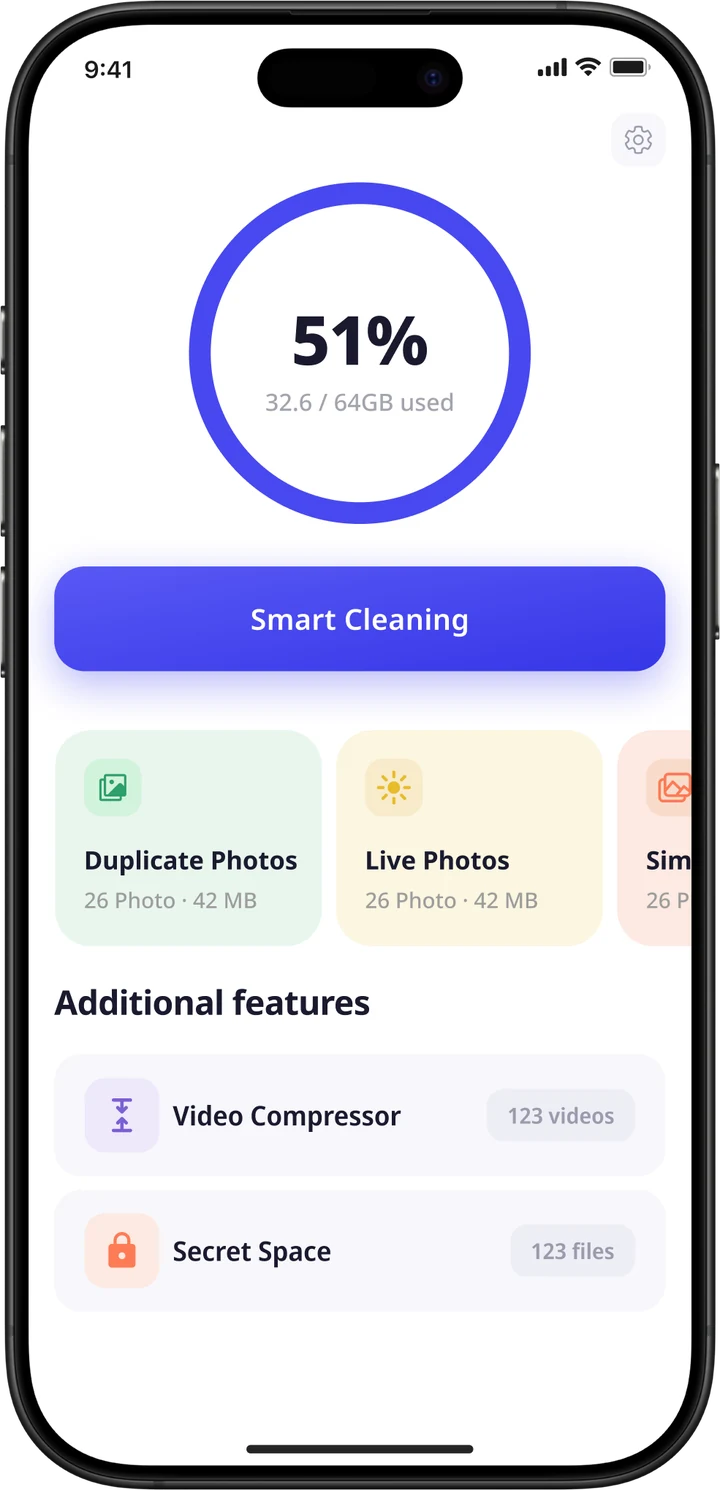
One look at your storage, then a clear list of what can go: photos, videos and everything in between.
51%32.6 / 64GB
FastSweep - Easy Scan & Clean finds duplicate photos, near-identical shots, screenshots and bulky videos on your iPhone, then clears what you choose in one tap.

Tap a card to choose what goes.
See your storage, pick what goes, review the results. No hunting through menus.
Everything FastSweep does, in the order you'd actually use it.
One look at your storage, then a clear list of what can go: photos, videos and everything in between.
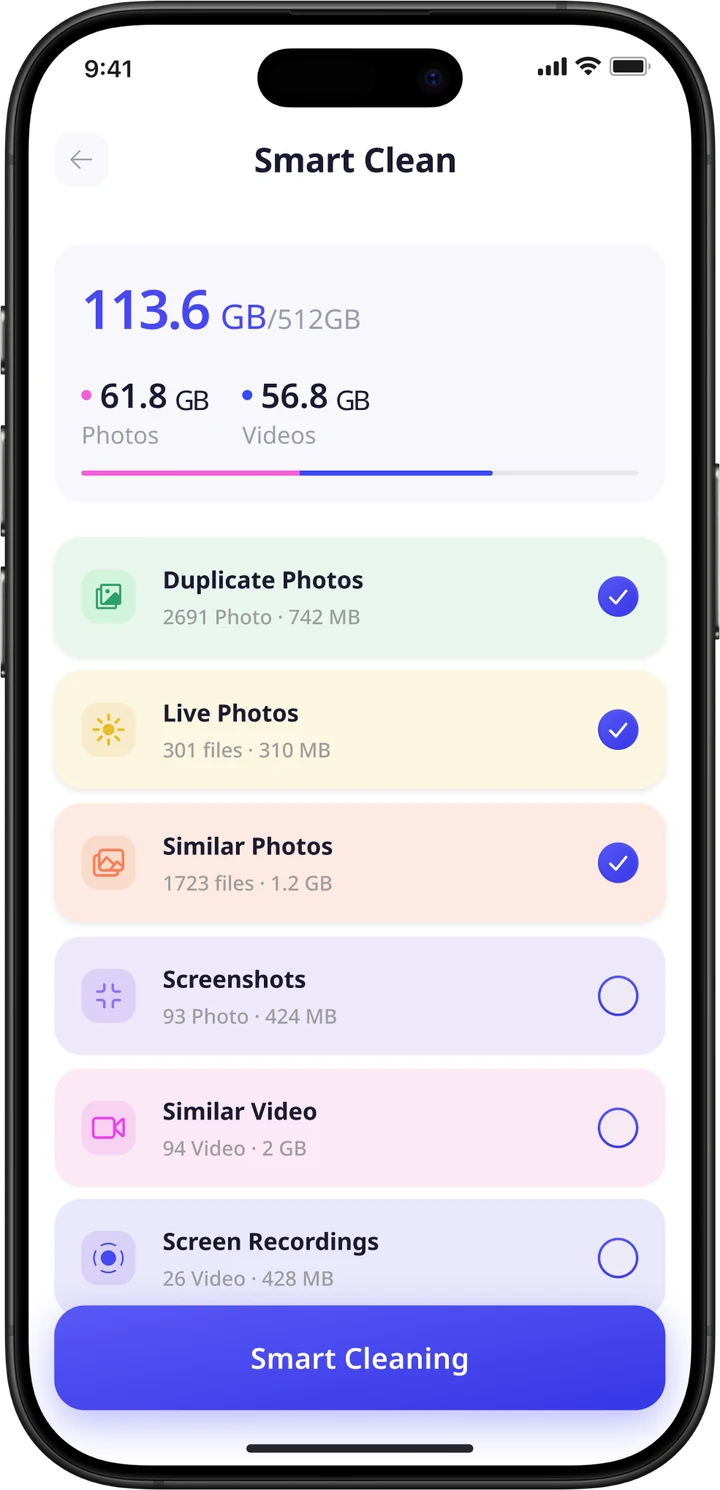
Exact copies, found and grouped so you can clear them together.
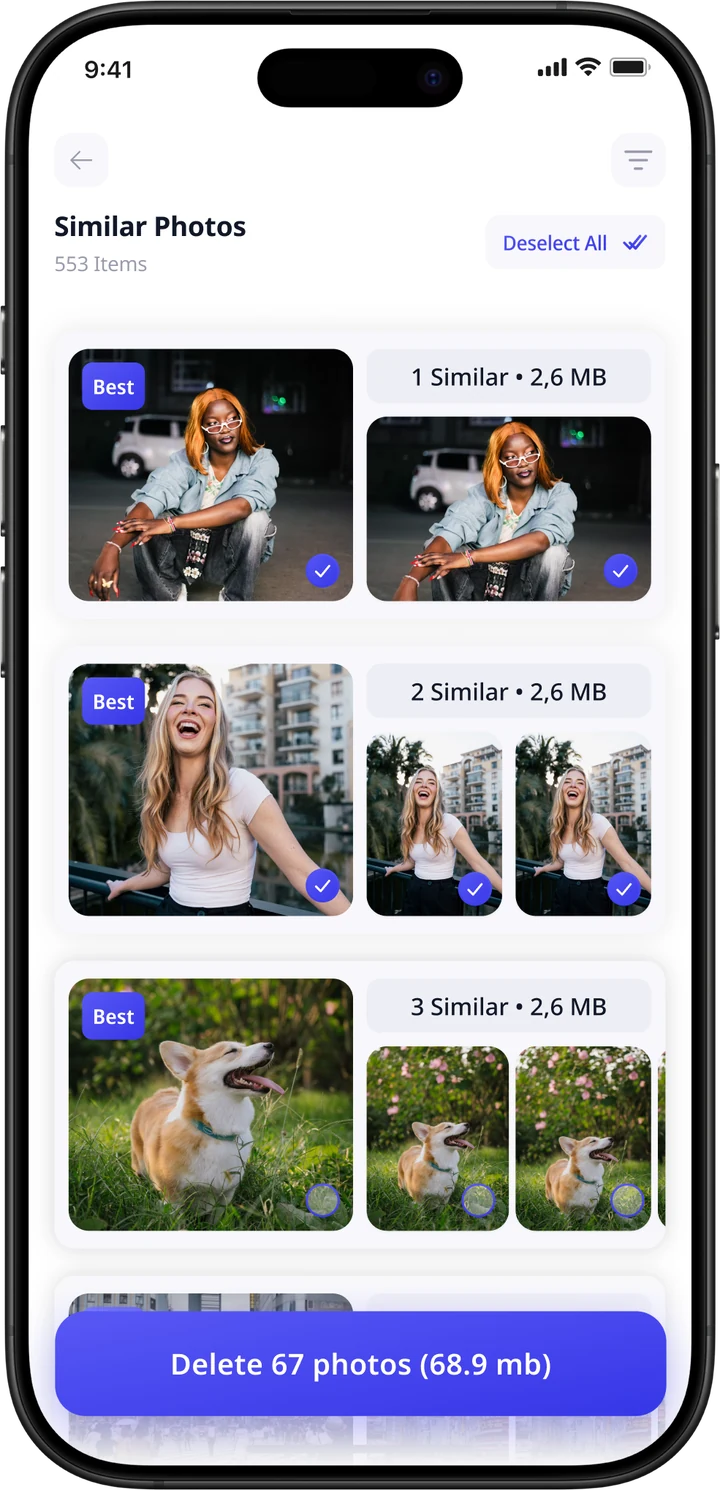
Burst shots and retakes, with the best one picked for you.
Live Photos, screenshots and screen recordings add up fast.
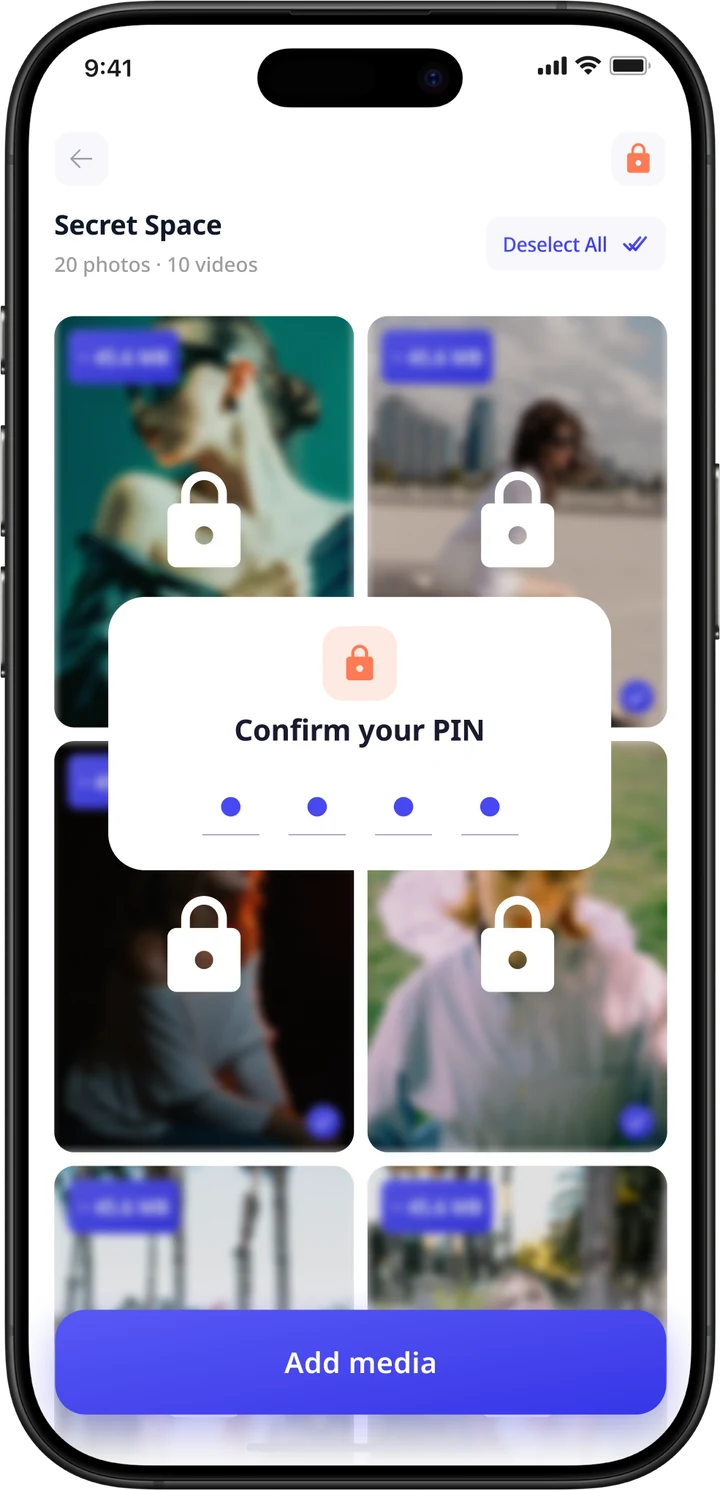
Keep private photos and videos behind a PIN, out of your main library.
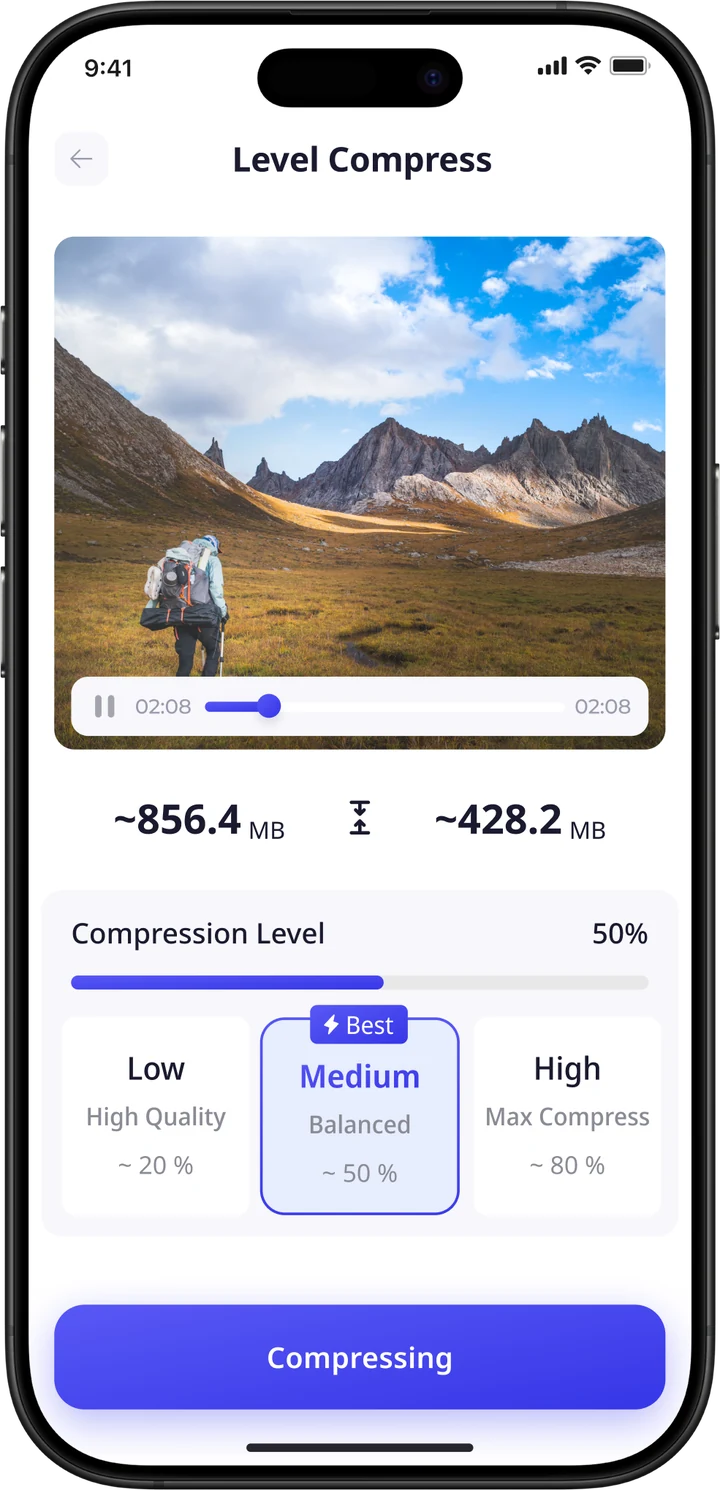
Big videos eat storage. Choose a level, check the estimate, and shrink them without leaving the app.
Tap a level to compare sizes.
Saves ~428.2 MB
FastSweep groups near-identical photos and marks the best one in every set. Review the groups, untick anything you want to keep, and delete the rest.
Pick Low, Medium or High and see the estimated size before anything happens. Medium is marked Best: a balanced result at roughly half the size.
Move photos and videos into Secret Space. Everything stays blurred and locked until you confirm your PIN.
clutter types sorted from a single scan
to clear everything you've selected
maximum video size reduction
lock on your private photos and videos